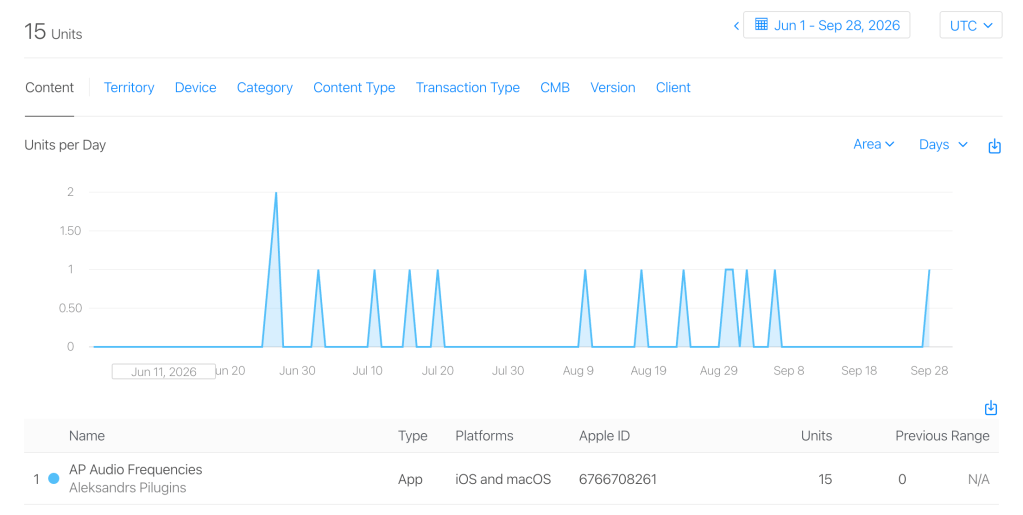
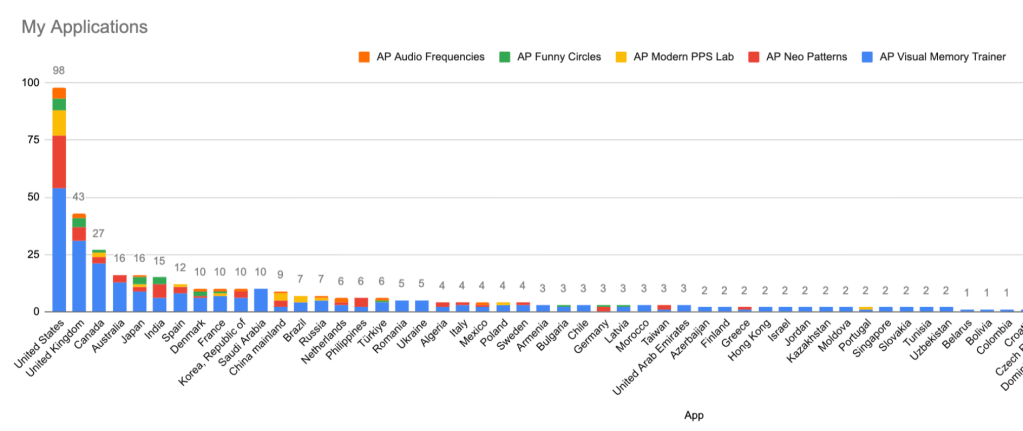
This AP Audio Frequencies application was published on 18 June 2026, and during its first three months it has already reached 15 installs. The app was not created as a professional tool for producing finished music or studio-quality samples. I built it mainly as an educational project, originally for myself, for better understanding how sound works — frequencies, musical notes, harmonics, layering and audio effects.
The application is available for iOS, iPadOS and macOS and is designed for anyone who wants to experiment with sound, musical notes and individual audio frequencies.
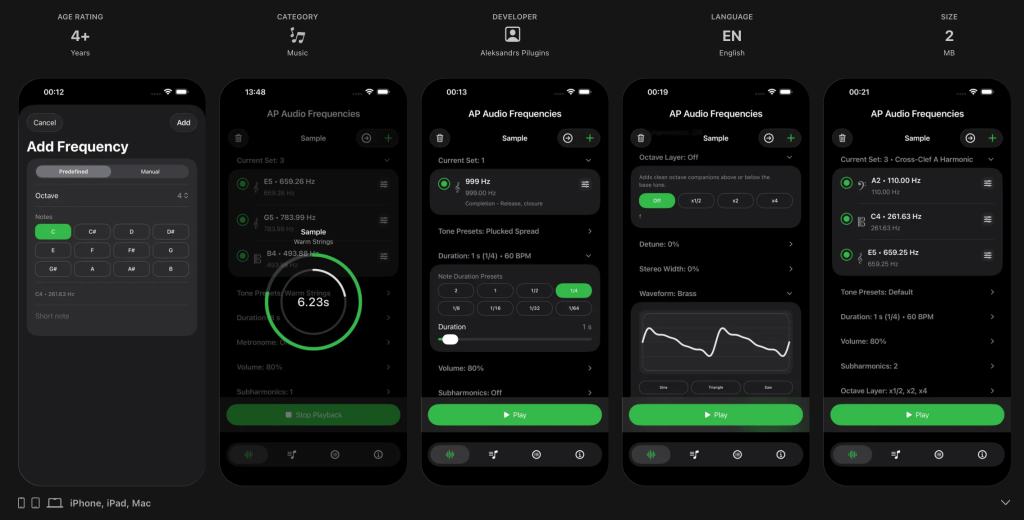
Create sounds from notes or frequencies
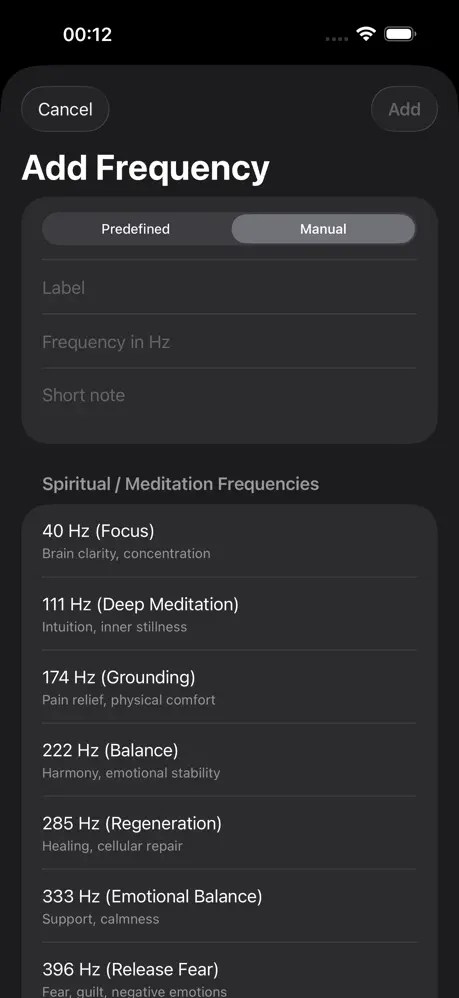
You can create sounds using musical notes, enter an exact frequency manually, or select one from the app’s built-in list of Spiritual / Meditation Frequencies.
The app includes a collection of frequencies commonly associated with meditation, relaxation and various spiritual practices. Each predefined frequency includes a short description of its commonly referenced purpose.
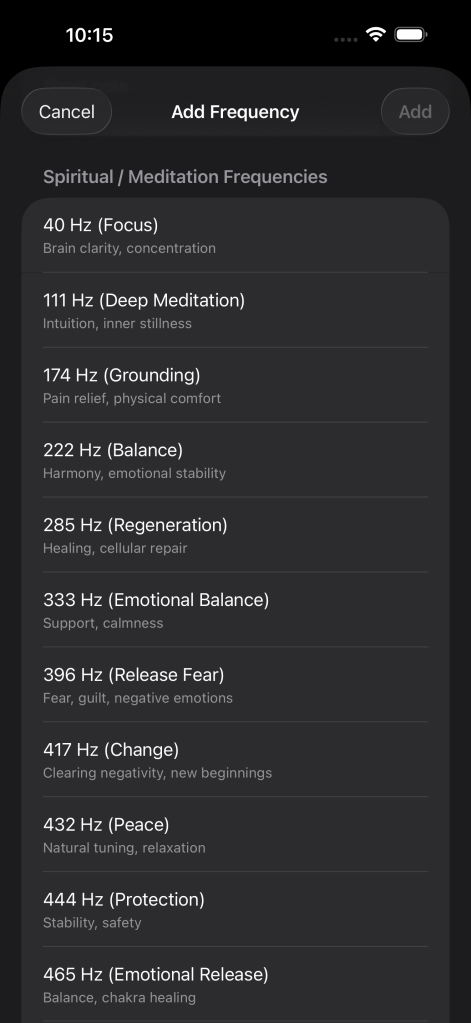
The predefined list provides quick access to commonly referenced frequencies, such as 40 Hz, 111 Hz, 174 Hz, 222 Hz, 285 Hz, 333 Hz and 396 Hz, with a short description for each frequency.
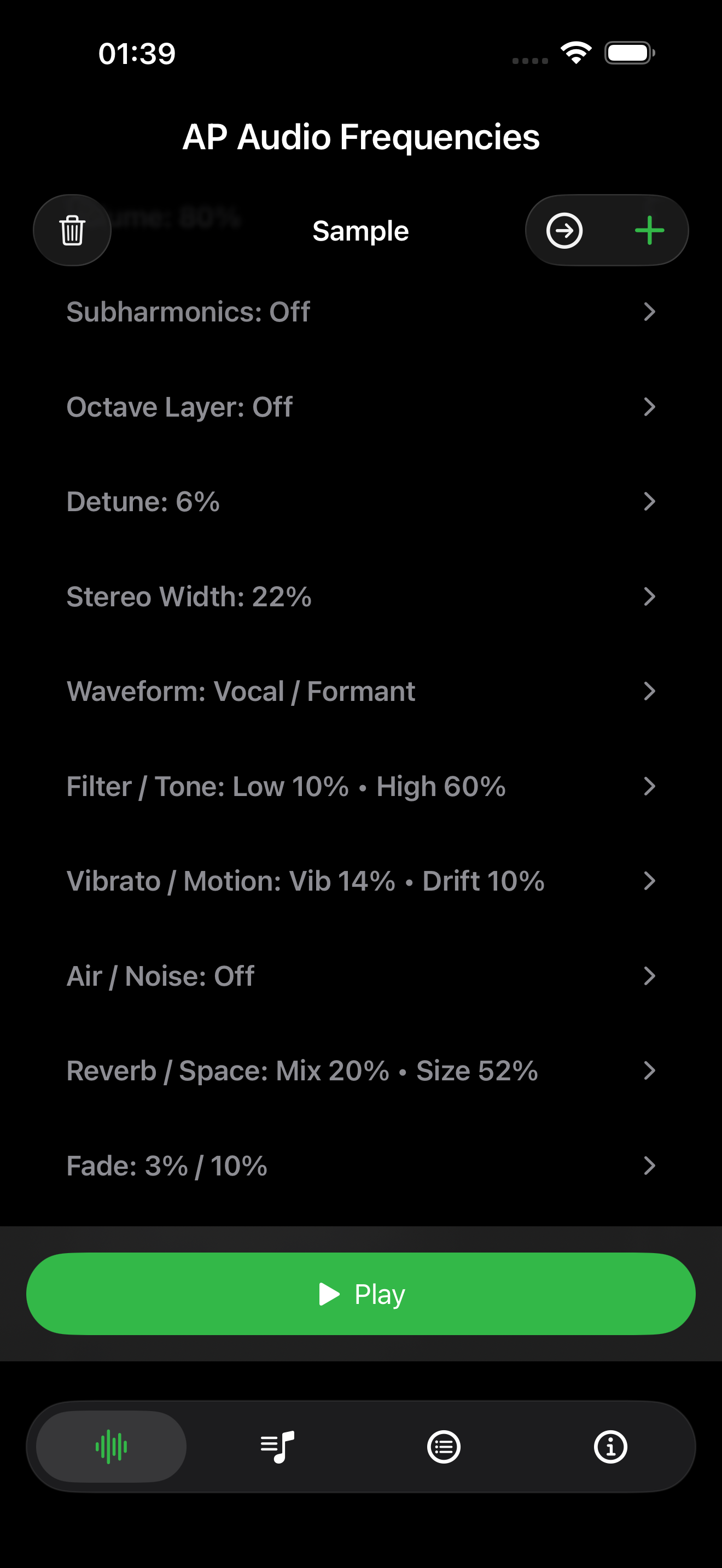
You can then use any of these frequencies as a starting point and experiment with the app’s audio effects and settings to transform a simple pure tone into a richer and more complex sound.
Mixing multiple frequencies in a single sample
AP Audio Frequencies lets you mix several frequencies together in a single sample, rather than playing only one tone at a time.
You can create your own mix by adding individual musical notes or manually entered frequencies, or start with one of the app’s predefined accords.
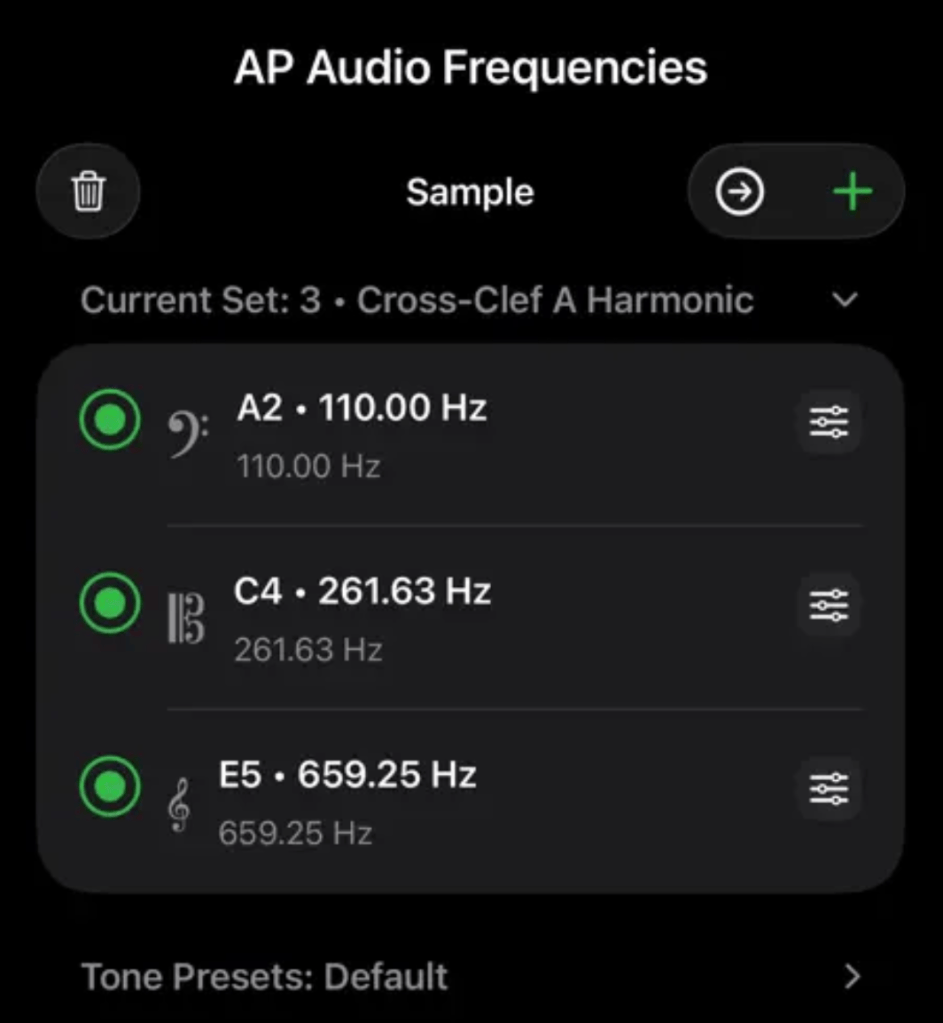
The predefined accords mix notes from different ranges — bass, alto and treble — to create fuller and more layered sounds. For example, one sample can mix A2 at 110 Hz, C4 at 261.63 Hz and E5 at 659.25 Hz.
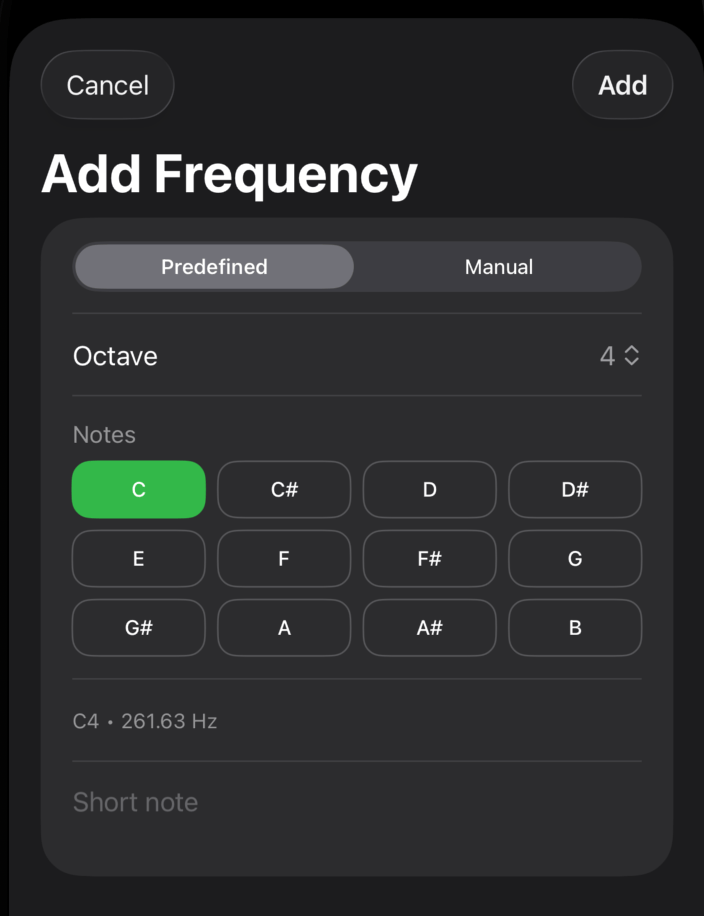
You can also preview predefined accords, filter them by Bass, Alto, Treble or Mixed, save favourites, and then further shape the sound using individual settings and audio effects.
This means you can start with a single pure frequency and gradually turn it into a layered audio mix made from several frequencies and notes.
Tone Presets
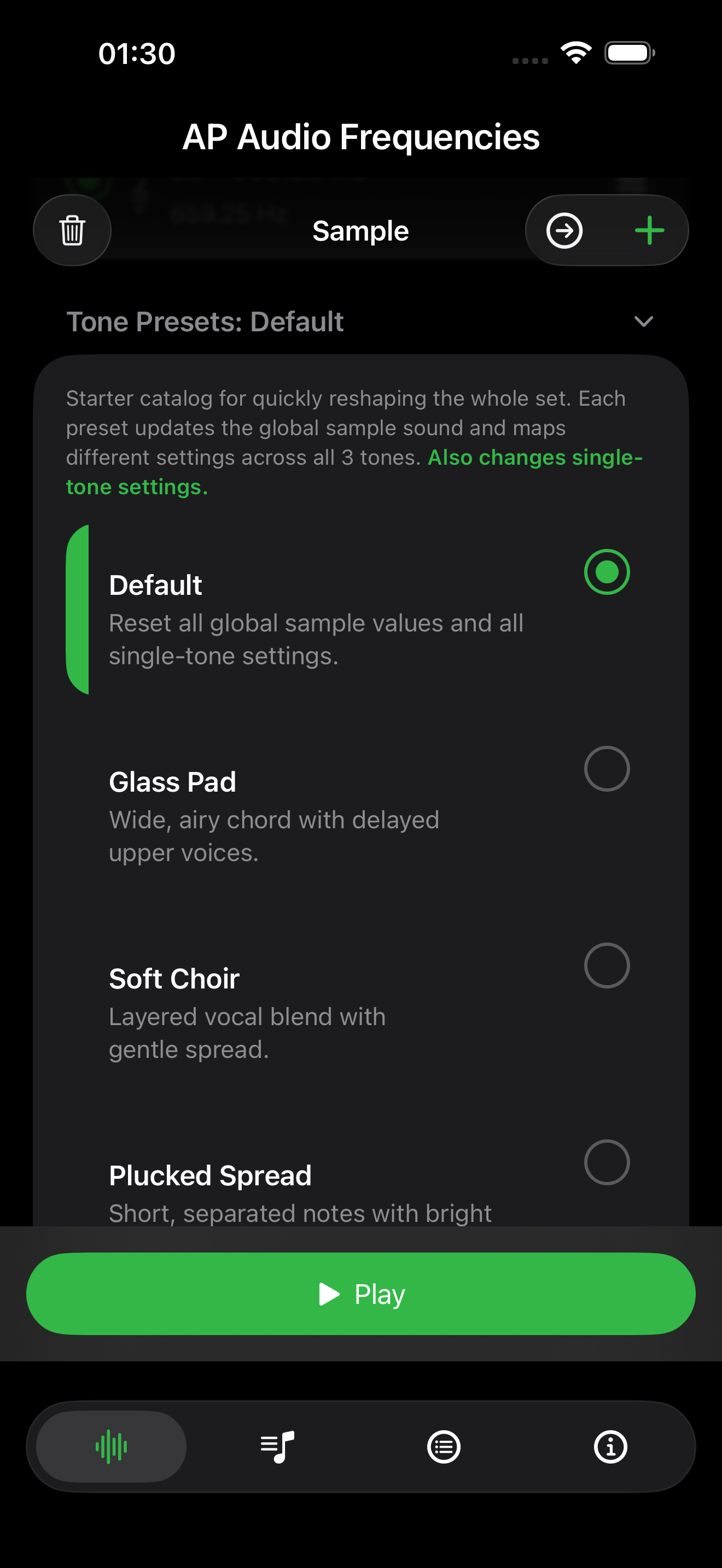
One of my favourite features in AP Audio Frequencies is the collection of predefined Tone Presets.
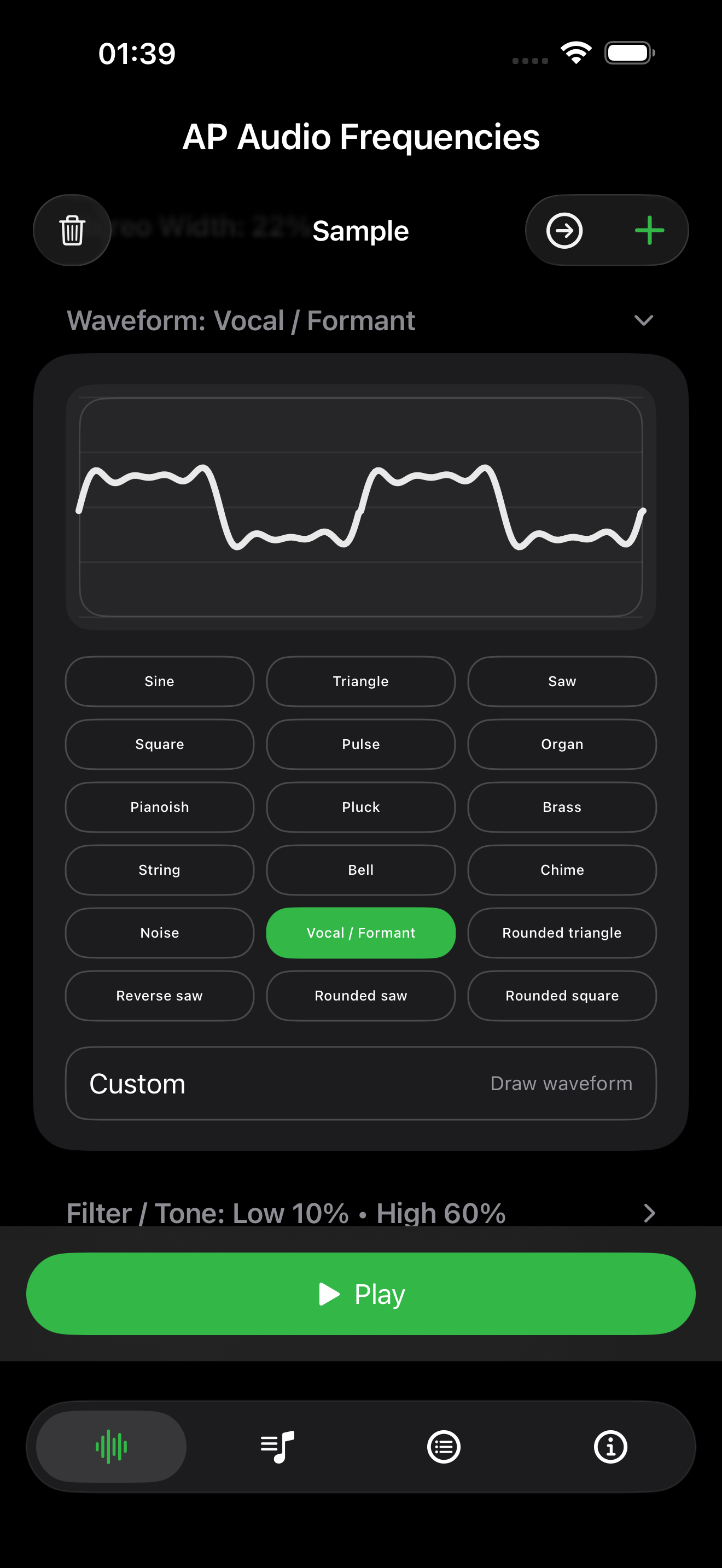
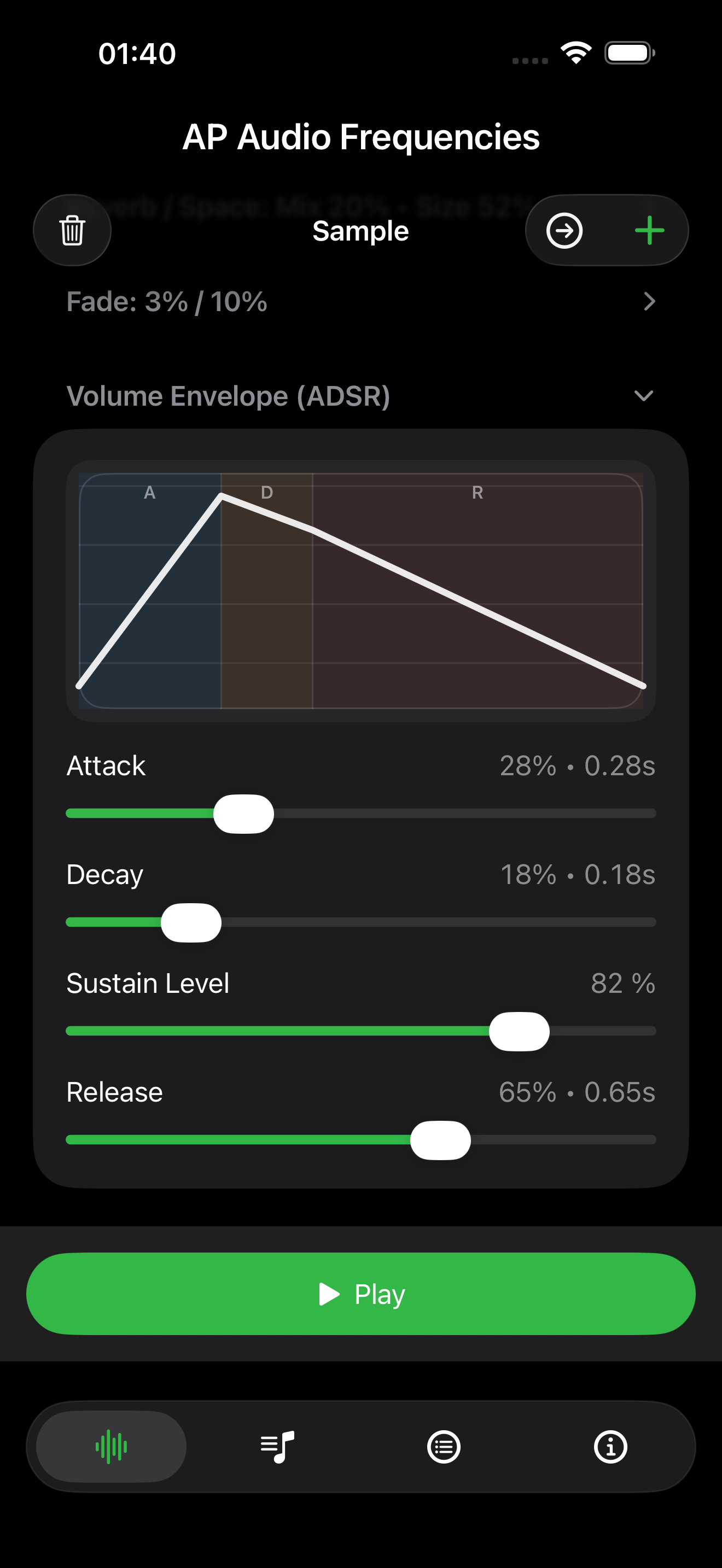
I first created the app’s sound controls and effects, and then started experimenting with different combinations of them. Some of those combinations became predefined Tone Presets.
For example, Glass Pad, Soft Choir and Plucked Spread use different effect settings to give the same notes a very different character.
For me, this is one of the most interesting parts of the app: you can start with a very simple frequency or a few notes and then hear how much the sound changes when different effects are applied.
The presets are therefore not intended to replace professional audio software. They are more like small experiments with sound — a simple way to explore what different processing techniques actually do.



Leave a comment