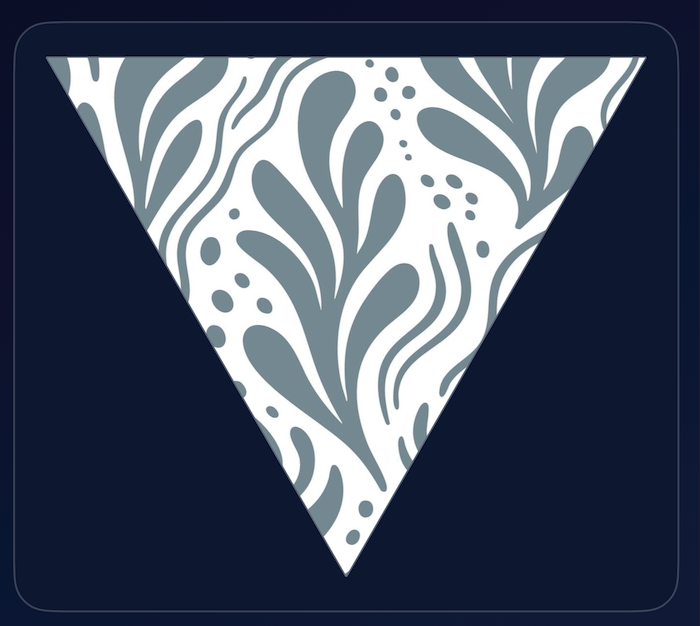
Version 1.5 of AP Neo Patterns app is ready for distribution. The main updates are located on the Draw tab.
AP Neo Patterns is for artists, designers, students, creative hobbyists — or simply anyone who enjoys discovering unique visual patterns. Open the app and explore a newly generated design, or use the optional Draw tools to add your own creative elements and transform it further.
Here is an example of using vector lines and shapes:
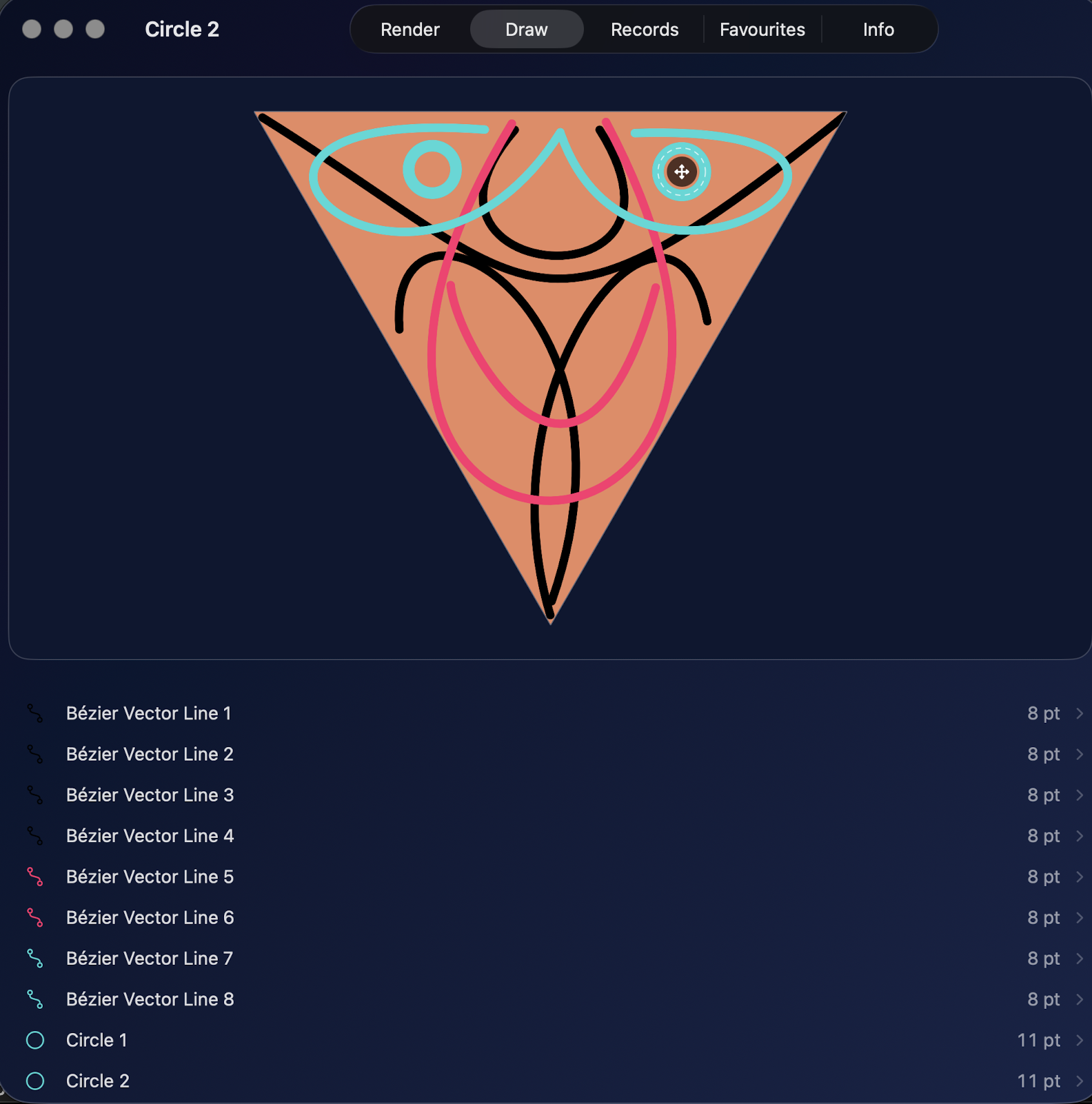
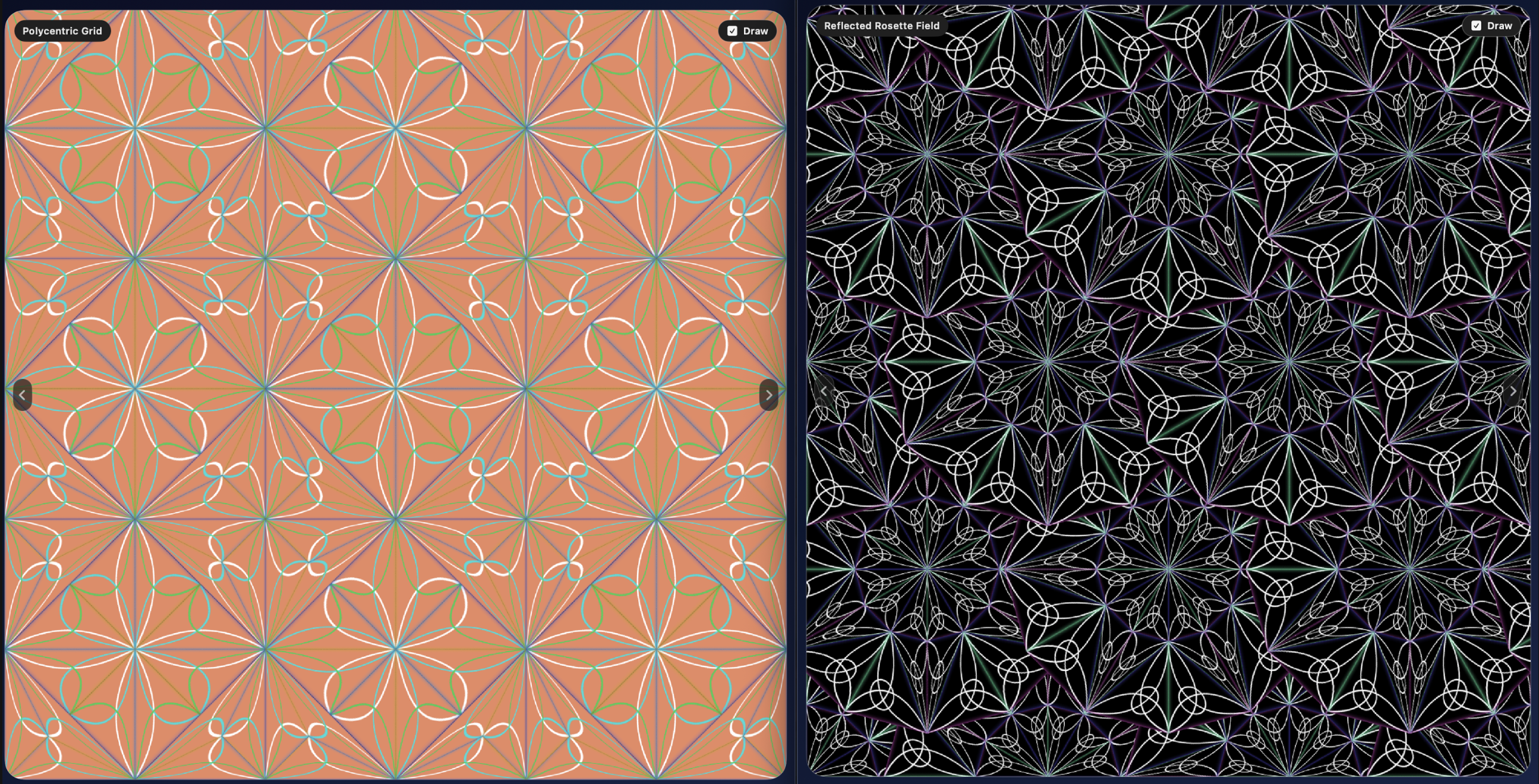
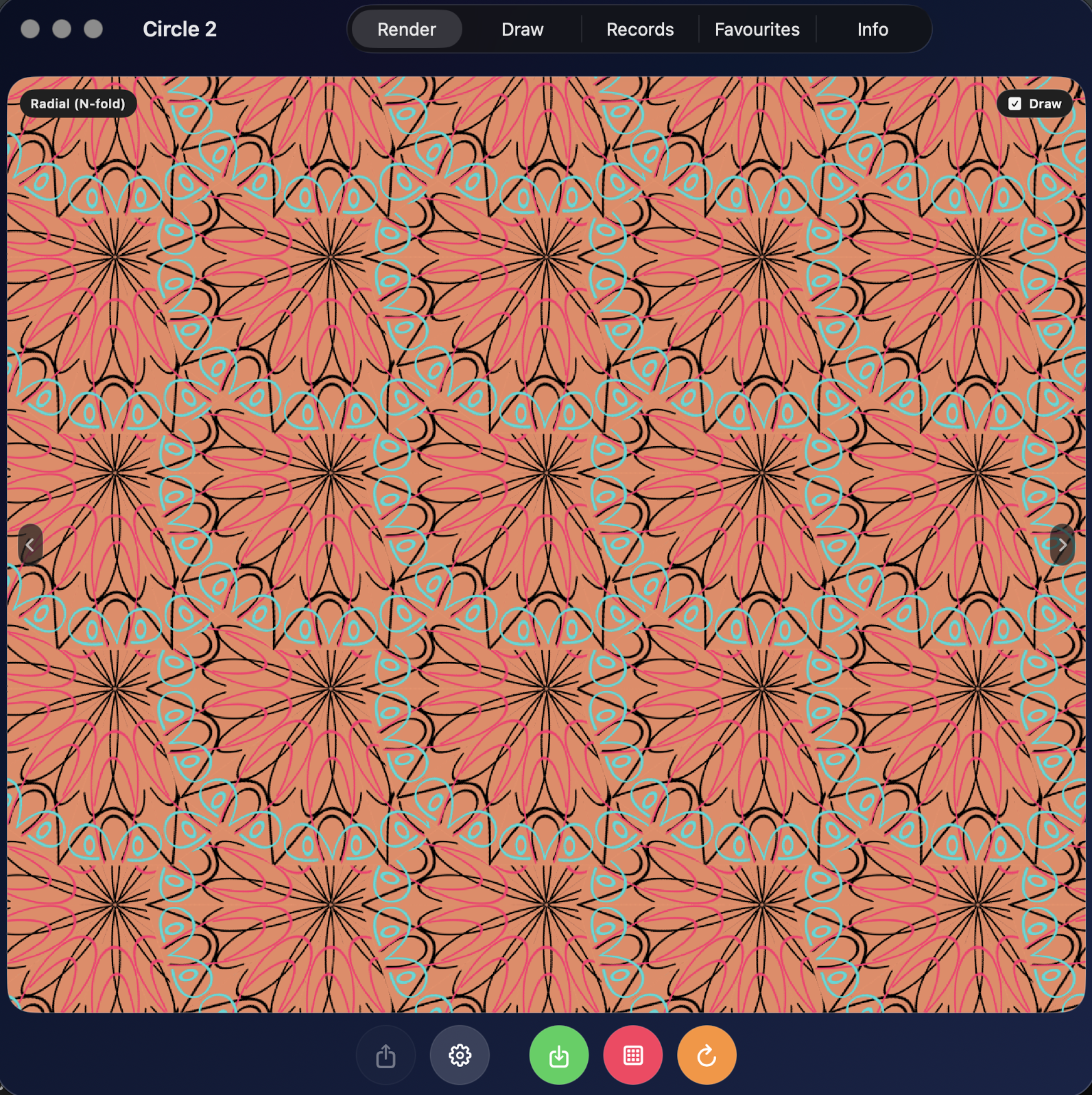
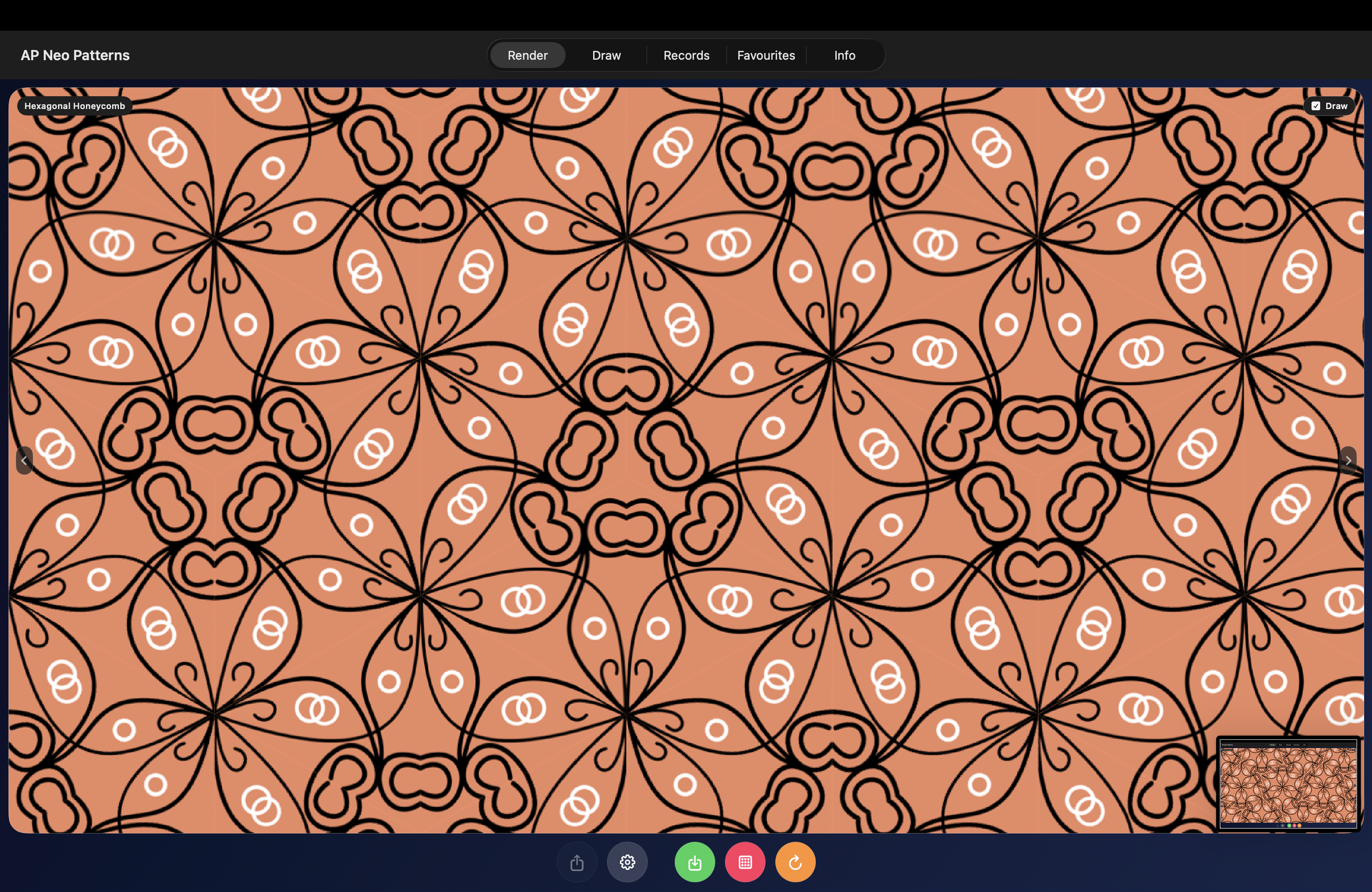
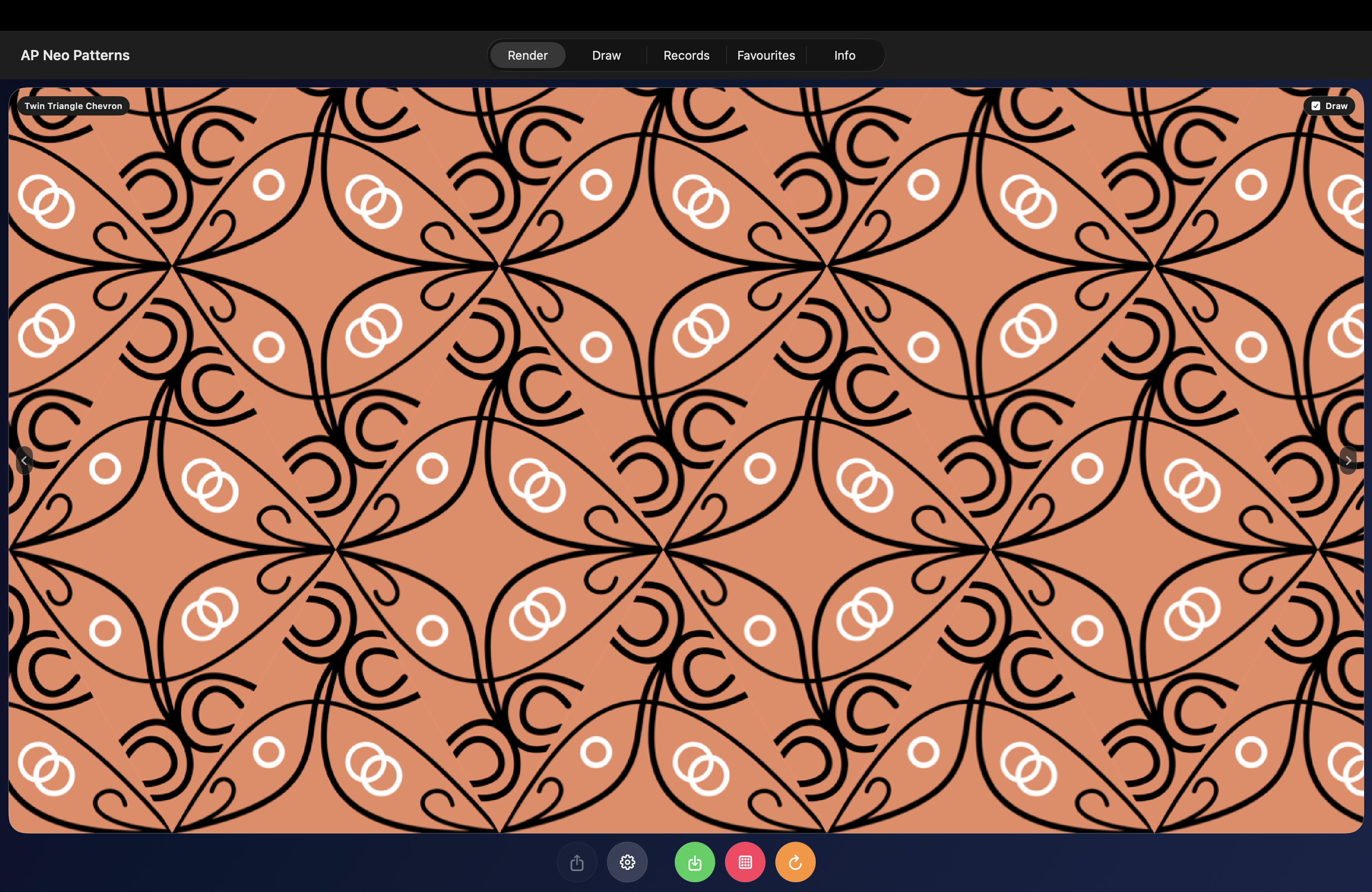
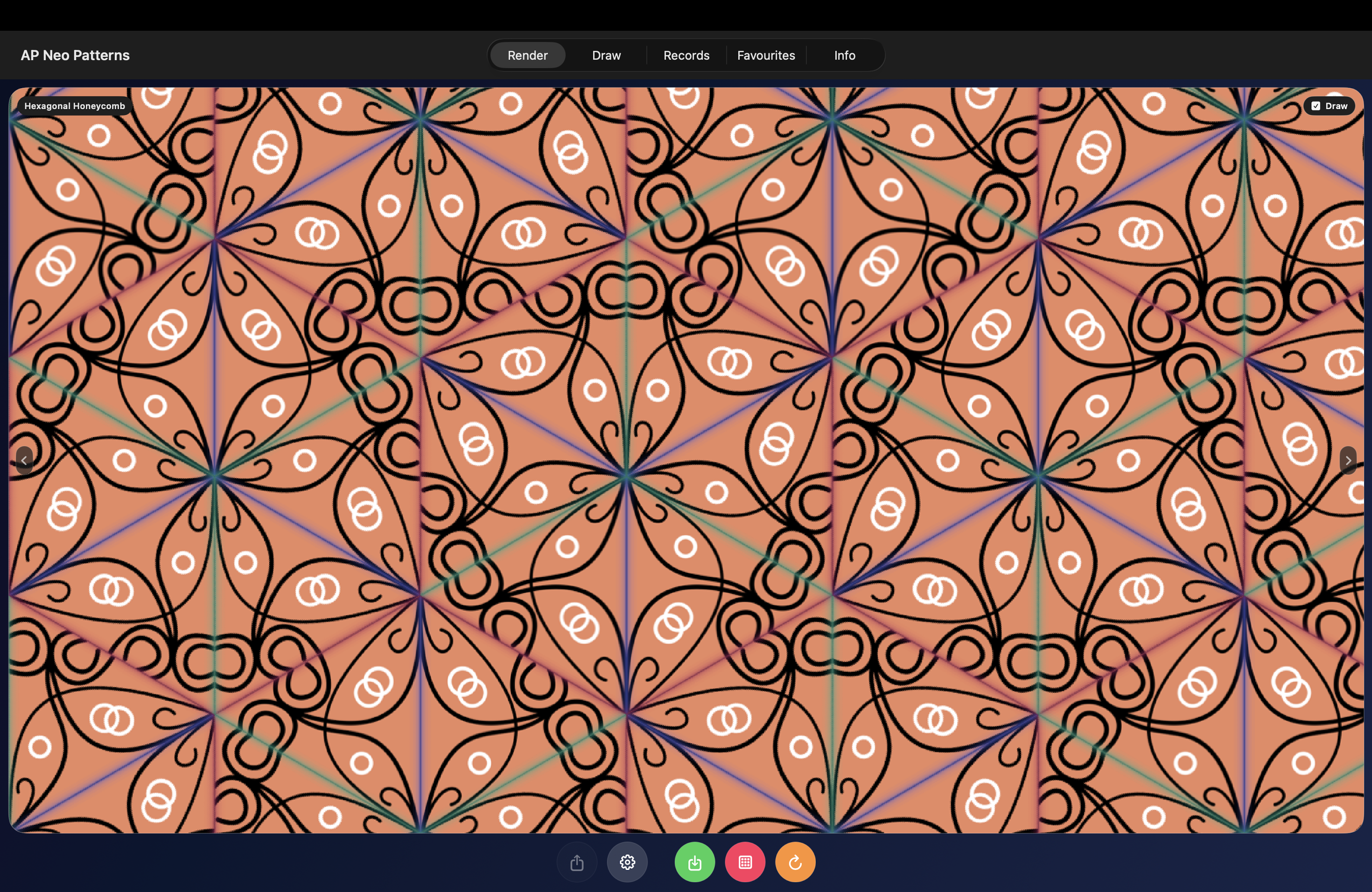
Version 1.5 introduces powerful new drawing and pattern tools on the Draw tab:
- Create freehand drawings, editable Bézier lines, shapes, and image textures
- Drag Bézier anchor points and curve handles directly on the canvas
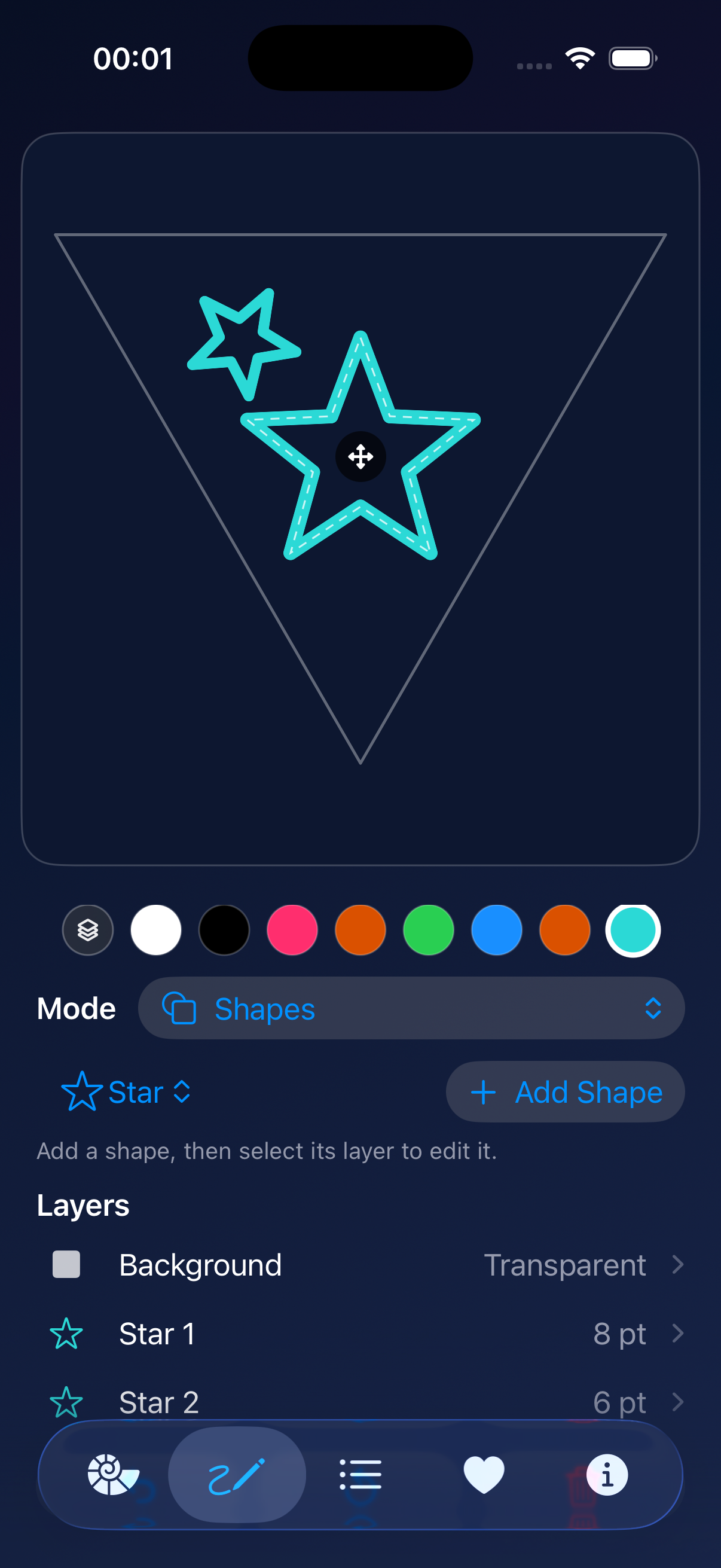
- Add circles, stars, squares, and triangles, then adjust their colour, width, size, position, and rotation
- Manage every element through the new Layers list
- Select, edit, or delete drawings, vector lines, shapes, and textures individually
- Customise the triangle’s background colour from its dedicated Background layer
- Import images and adjust their scale, position, and rotation
This update also includes usability improvements and rendering refinements.
Here is an example of using Star shapes:
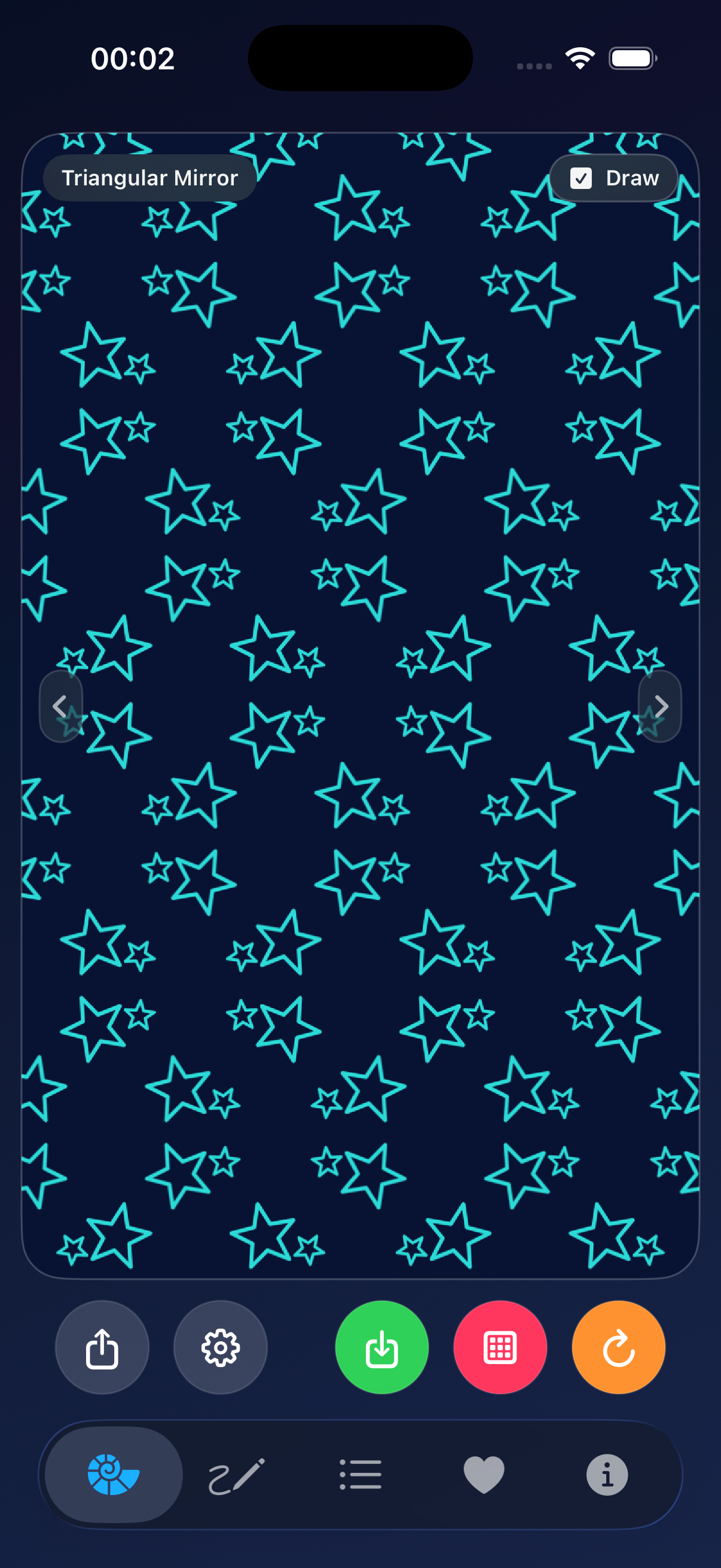
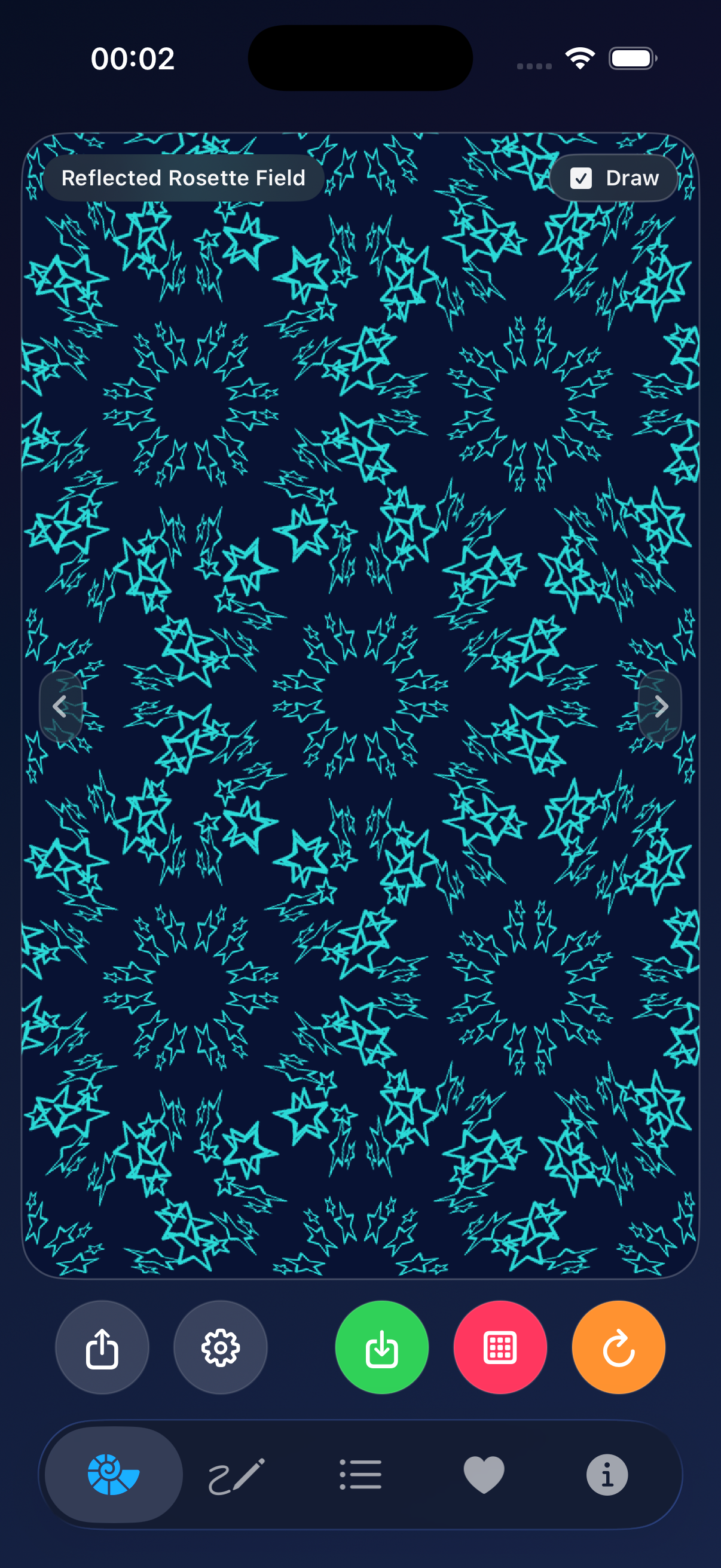
Here is an example of using an image as a texture:
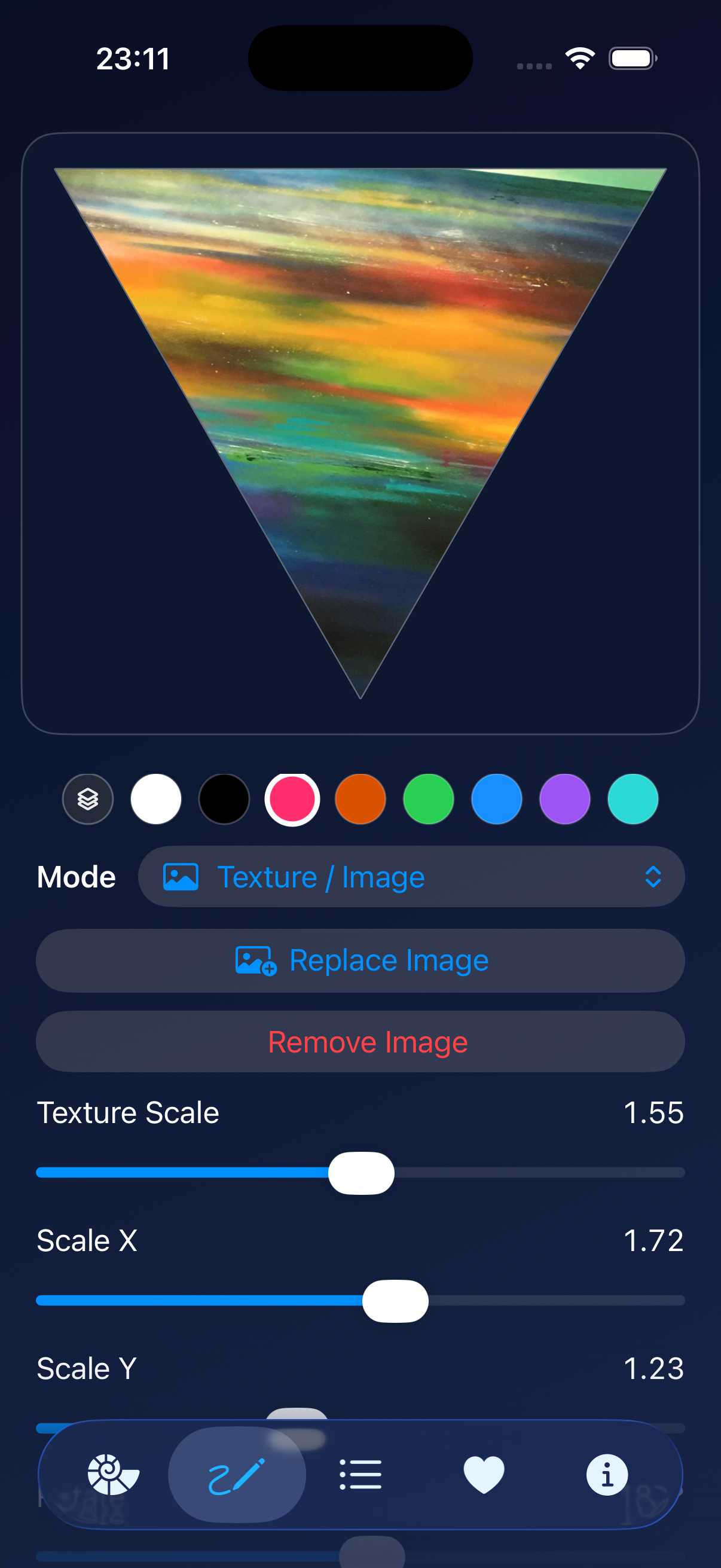
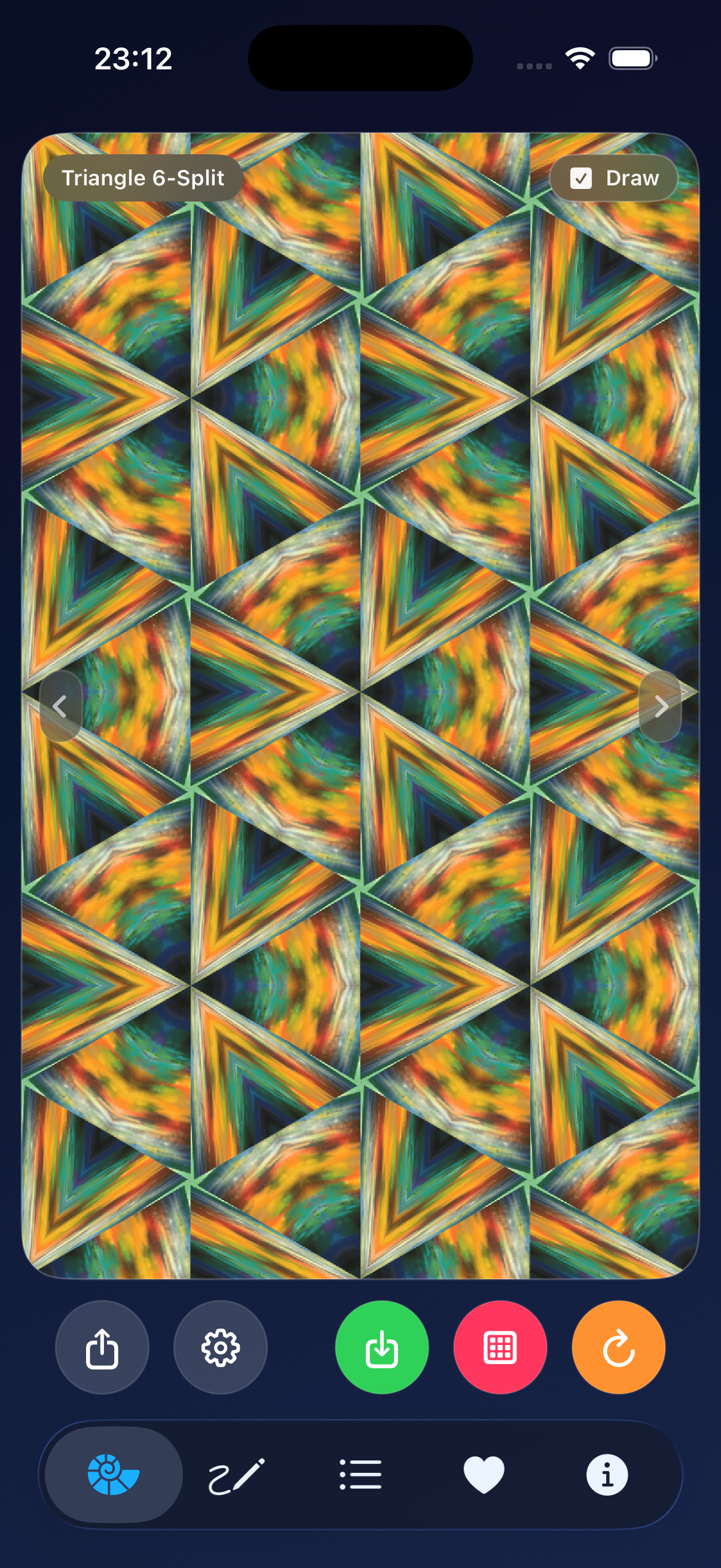
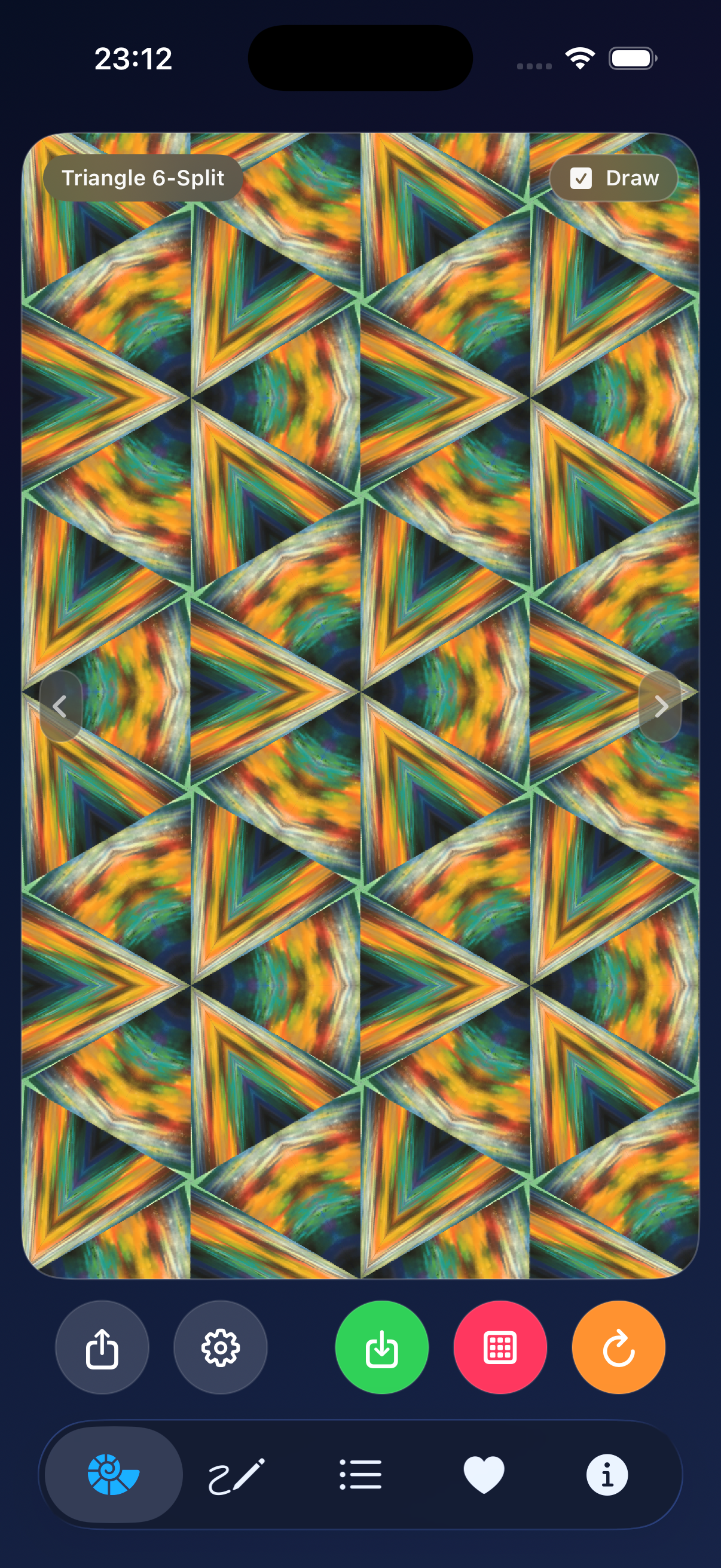
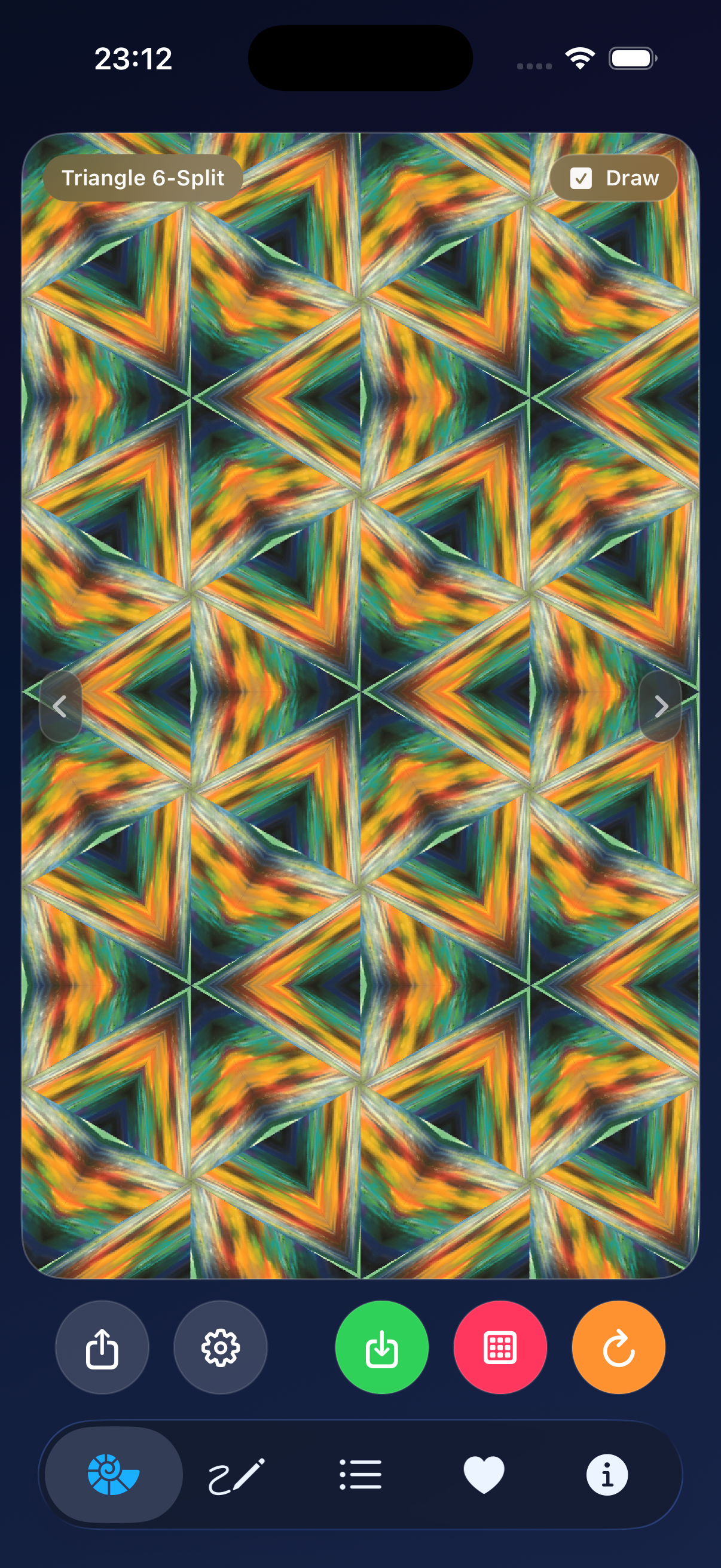
AP Neo Patterns is made for anyone who enjoys colours, symmetry and visual patterns. Simply open the app and explore a newly generated unique pattern. If you want to go further, the Draw tab gives you additional creative tools to add your own lines, shapes, drawings or images and see how they transform the pattern.


Leave a comment